Press kit
The logo, the colors, a few screenshots, and the words to describe Atom Budget. Everything on this page may be used to write about, review or link to the app. Nothing needs asking first. For anything else, write to [email protected].
In one line
Atom Budget tells you how much to keep set aside for your bills, so every one of them gets paid.
In a paragraph
Atom Budget is a budgeting app built around the paycheck instead of the month. You enter your paydays and your bills, each with its real schedule, and the app works out which bills every check must cover before it lands and how much of that check is genuinely yours. It works for any pay schedule, on the web and on Android. The budgeting is free, with no ads and nothing sold. Pro connects a bank, read only, to find bills and paychecks in the statements, tick them off as they post, and watch the real balance against the plan.
Facts
- What it is. A per-paycheck budgeting app for the web and Android.
- Who makes it. Bunker Studios, a small independent company in the United States, with no investors and no advertising. Founded and run by Timothy Wojtylak.
- Price. Free, with no card and no time limit. Atom Budget Pro is $8 a month or $80 a year, and one plan covers a shared household.
- Where.atombudget.com on any browser, and on Google Play since September 2026.
- Privacy. Nothing is sold, nothing is shared for advertising, no trackers, and no training of models on financial data. The privacy policy says the rest.
- Pronunciation. Two words, Atom Budget. The mark is an atom because every bill orbits the paycheck that pays it.
The mark
Three orbits around a nucleus. It is drawn as lines, never filled, and the nucleus is the text color of whatever it sits on. Use the green version wherever color is available and the one-color versions for print and photos.
 Mark, green on lightSVG. The one to use on white and pale backgrounds.
 Mark, green on darkSVG. The same mark for dark backgrounds.
 Mark, one color blackSVG. For print and single-color uses.
 Mark, one color whiteSVG. For photos and dark single-color uses.
The wordmark
The mark with the name beside it, set in Arkave, with ATOM in the text color and BUDGET in green, the way it appears at the top of every page. Use it where the name has to carry itself.
 Wordmark on lightPNG, 2700 by 720, white background.
 Wordmark on darkPNG, 2700 by 720, dark background.
The app icon
 App iconPNG, 192 by 192, as it appears on Android.
 App icon, Apple sizePNG, 180 by 180, the home-screen icon on iPhone.
How to use it
- Keep clear space around the mark at least as wide as the nucleus is tall on every side.
- Do not fill the orbits, recolor the mark, stretch it, add a shadow, or put it on a busy photograph.
- Do not set the name in another typeface beside the mark, or recolor its two halves. Use the wordmark, or the mark alone.
- The name is Atom Budget, two words, capital A and capital B. Pro is Atom Budget Pro.
- Do not use the mark in a way that suggests we made, sponsored or endorsed something we did not.
Colors
| Color | Hex | Where it is used |
|---|---|---|
| Green, light theme | #2d6a4f | The accent and the mark on light backgrounds. |
| Green, dark theme | #52c77d | The accent and the mark on dark backgrounds. |
| Green, wordmark on light | #26794a | BUDGET in the wordmark and the site header on light backgrounds. |
| Paper | #f7f4ef | The light theme background. |
| Ink | #1a1714 | Text on the light theme, and the nucleus of the mark. |
| Night | #0f0f13 | The dark theme background. |
| Chalk | #eeeaf4 | Text on the dark theme, and the nucleus of the mark. |
| Short | #e76f51 | A paycheck or balance that falls short. |
| Savings | #457b9d | Goals and money put away. |
Screenshots
Current screens from the web app, in both themes, with example figures. Each opens at full size and may be cropped as needed.
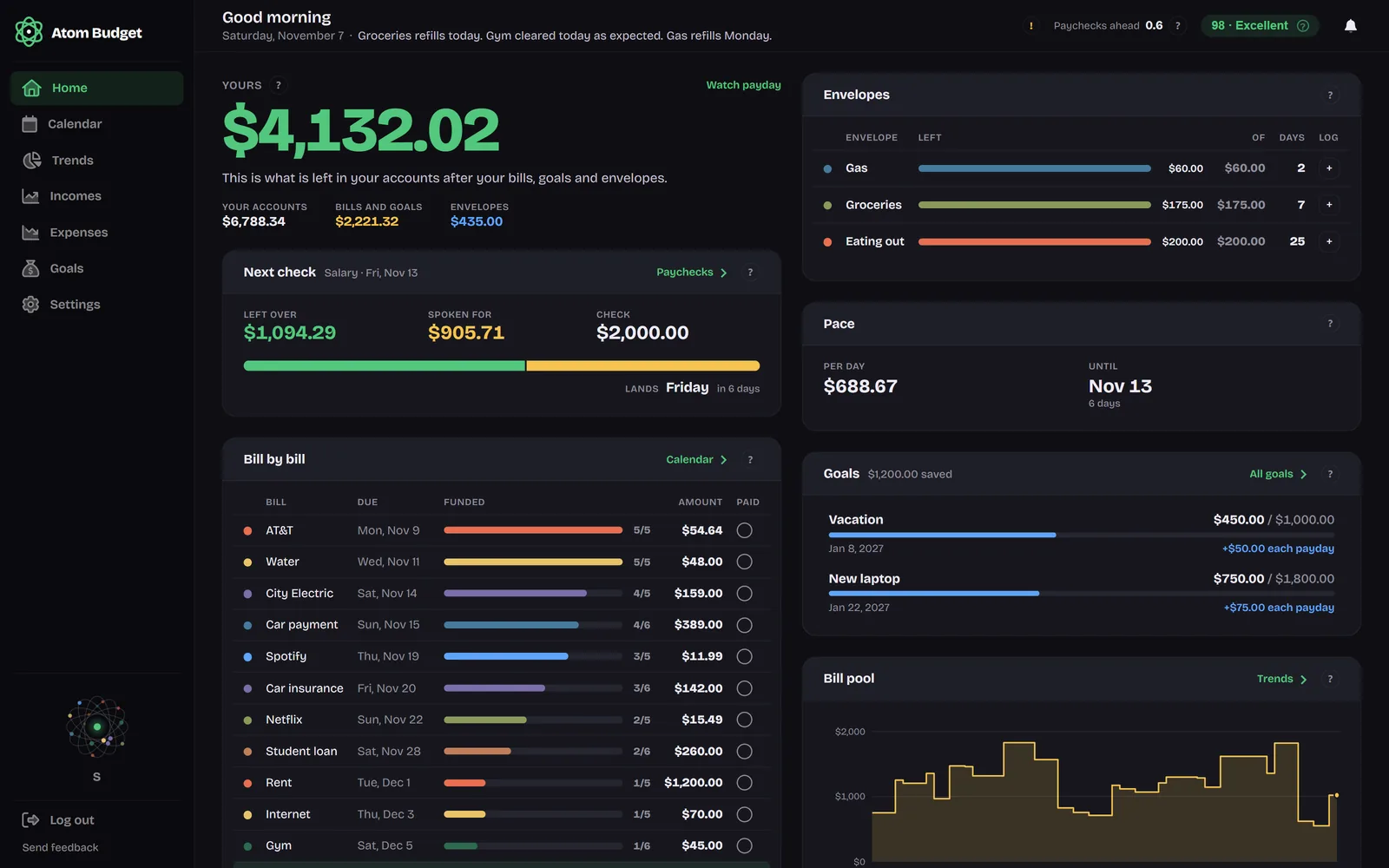 Home on the web, dark
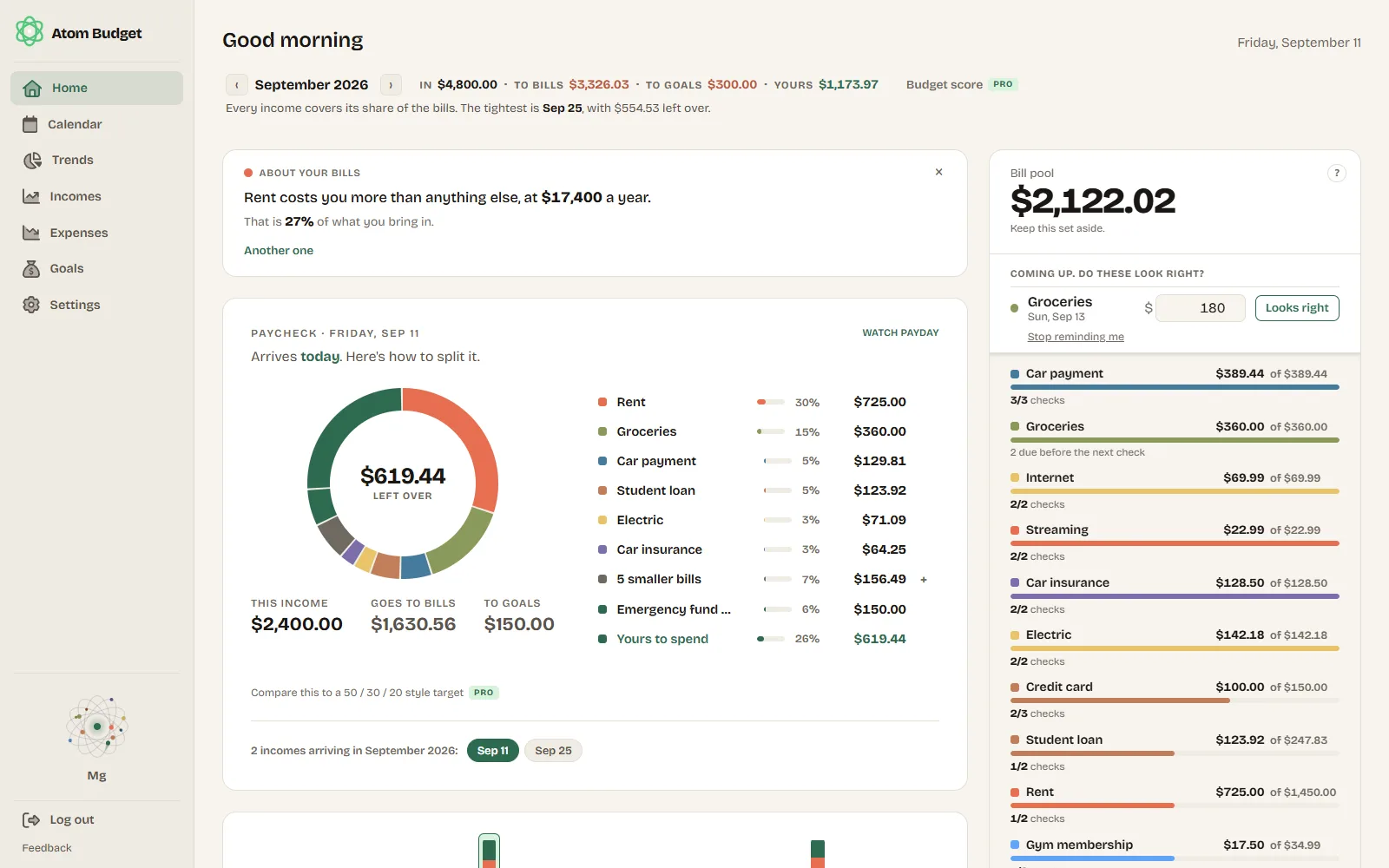 Home on the web, light
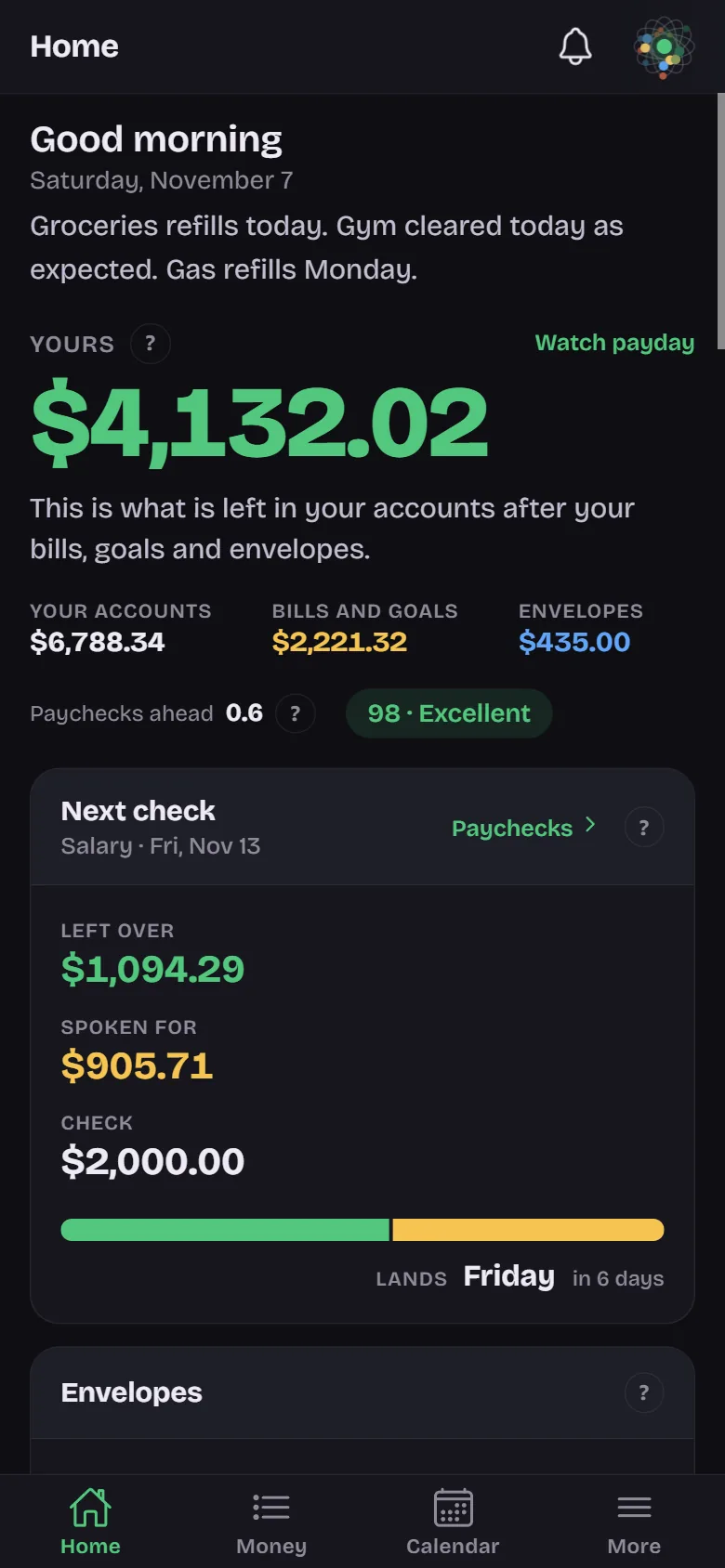 Home on the phone, dark
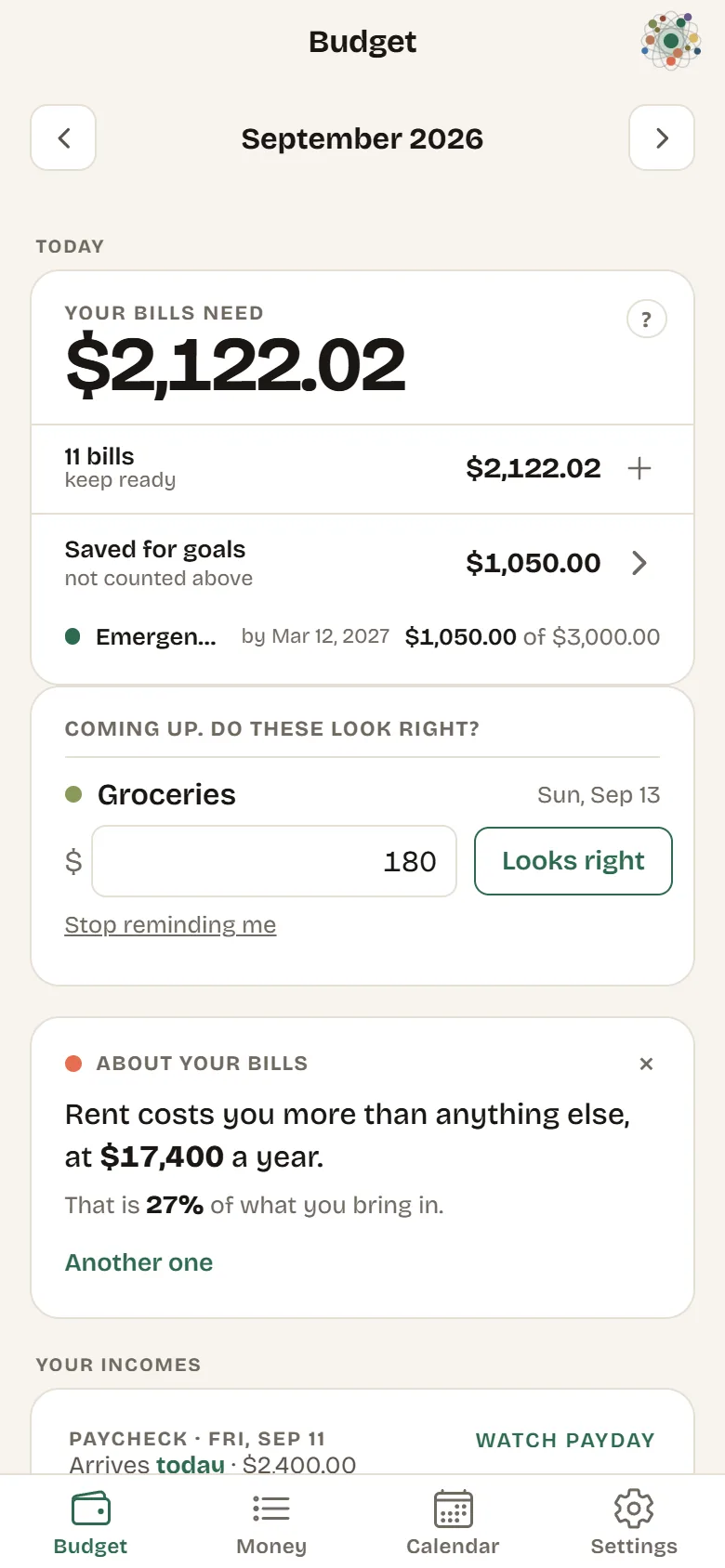 Home on the phone, light
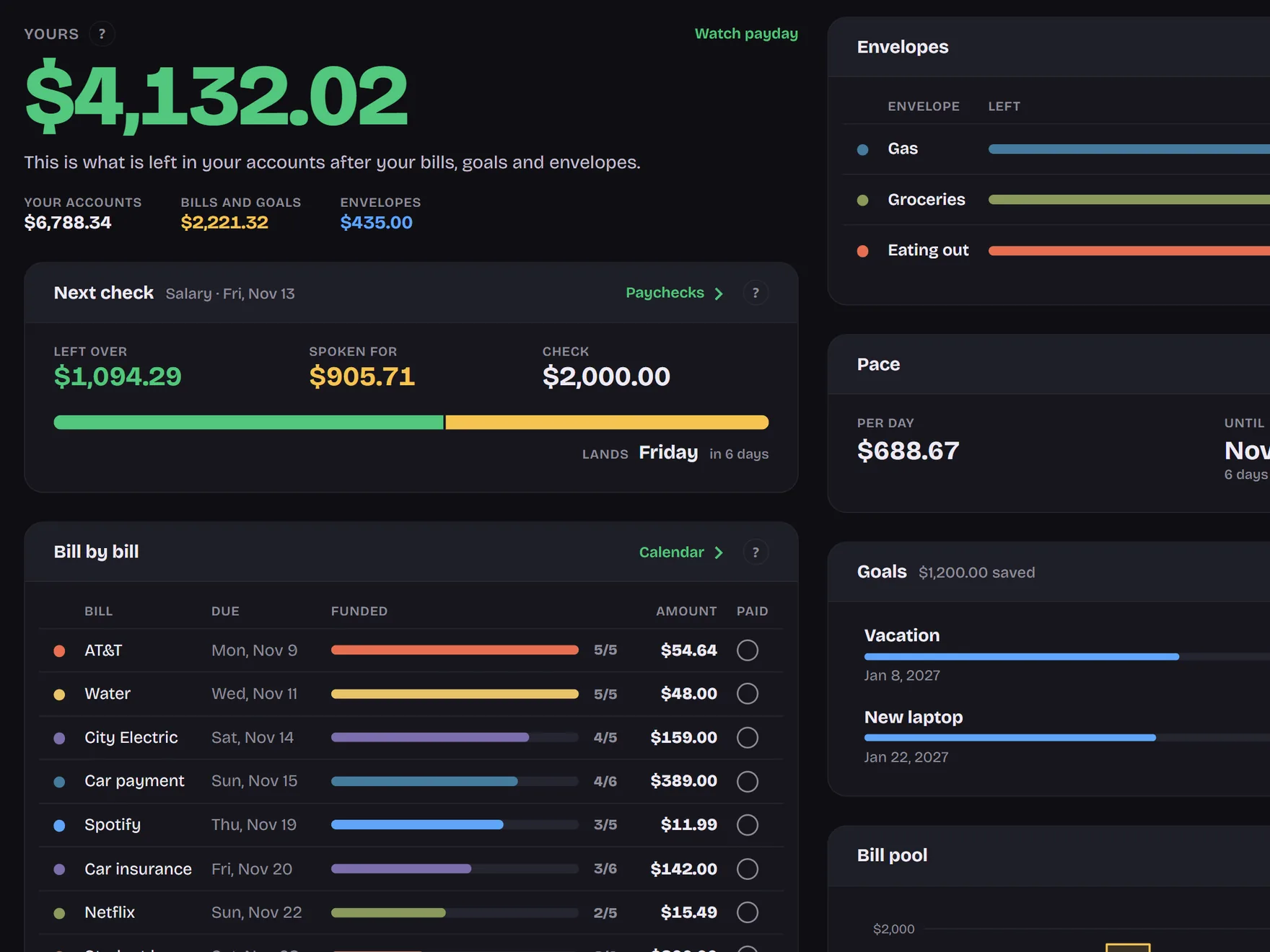 The one number and the next check, dark
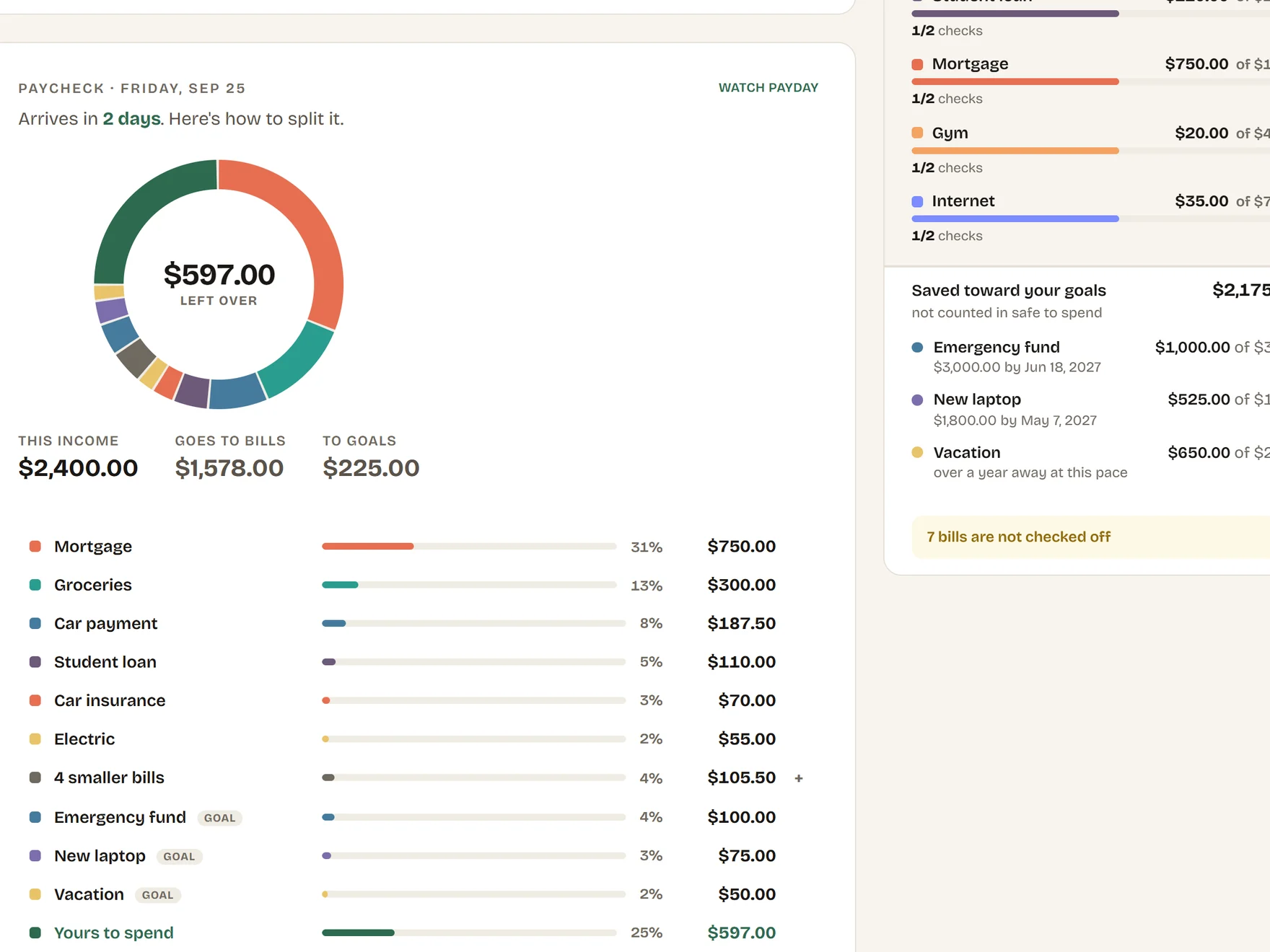 The one number and the next check, light
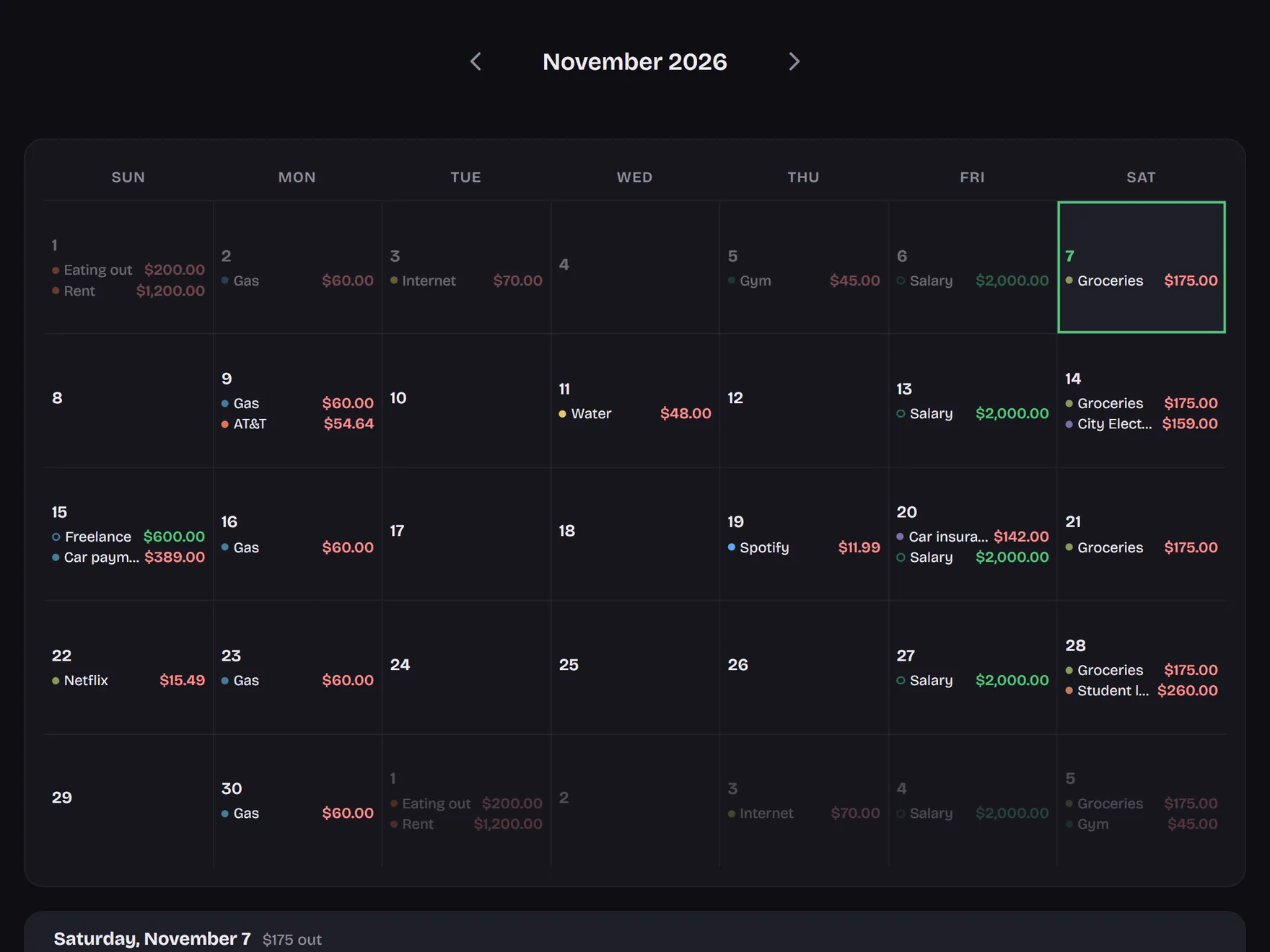 Calendar, dark
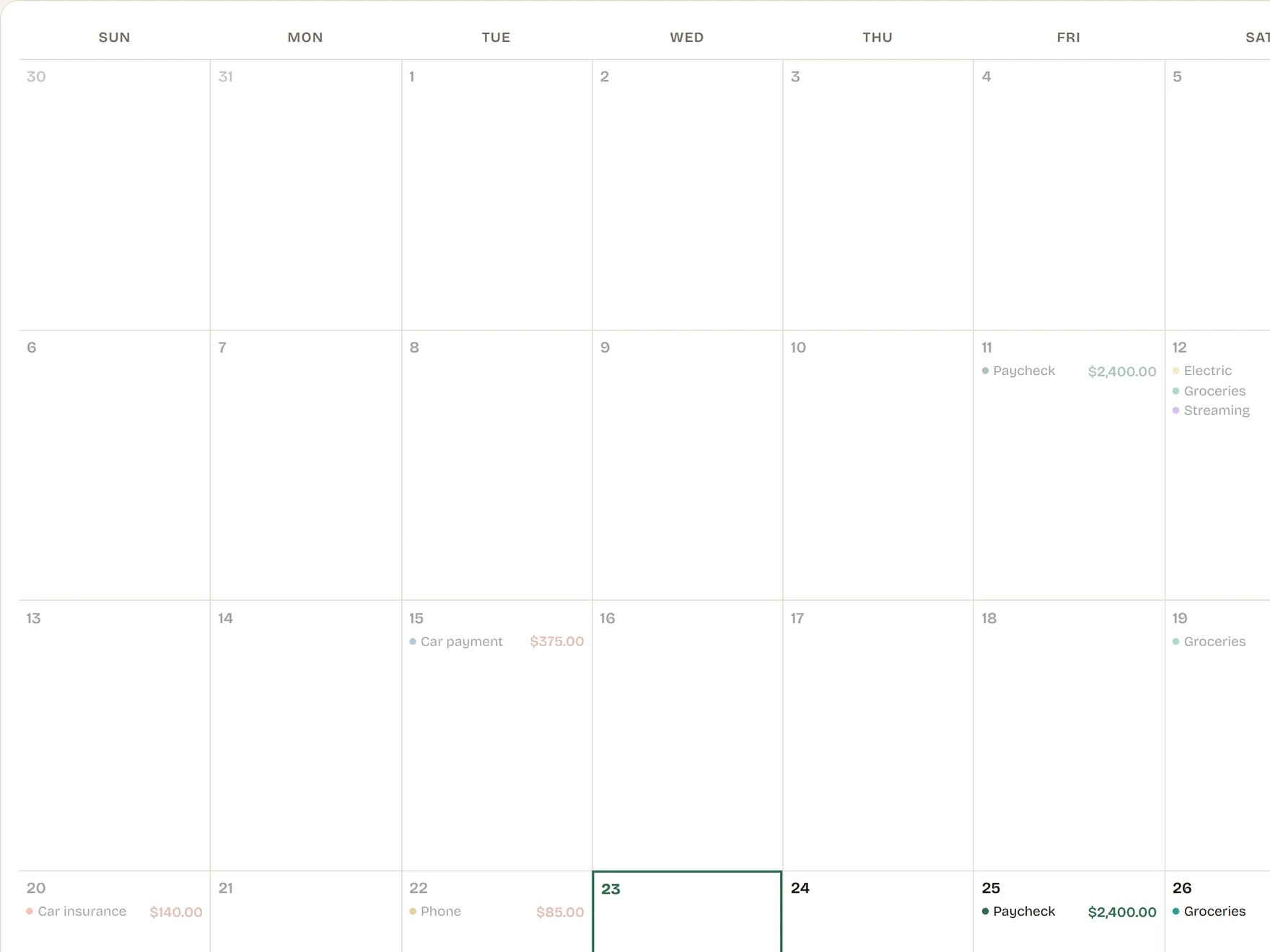 Calendar, light
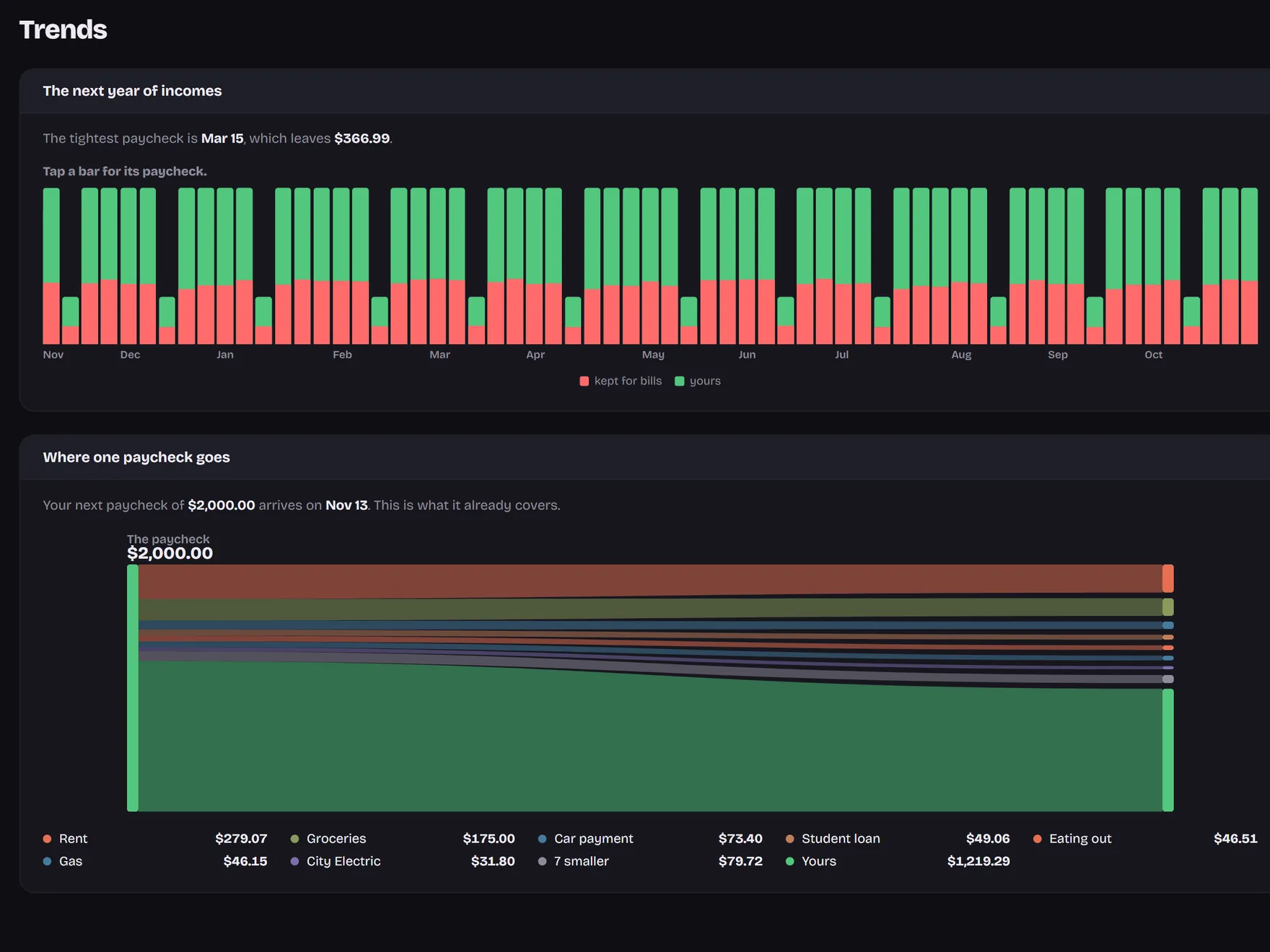 The year ahead, dark
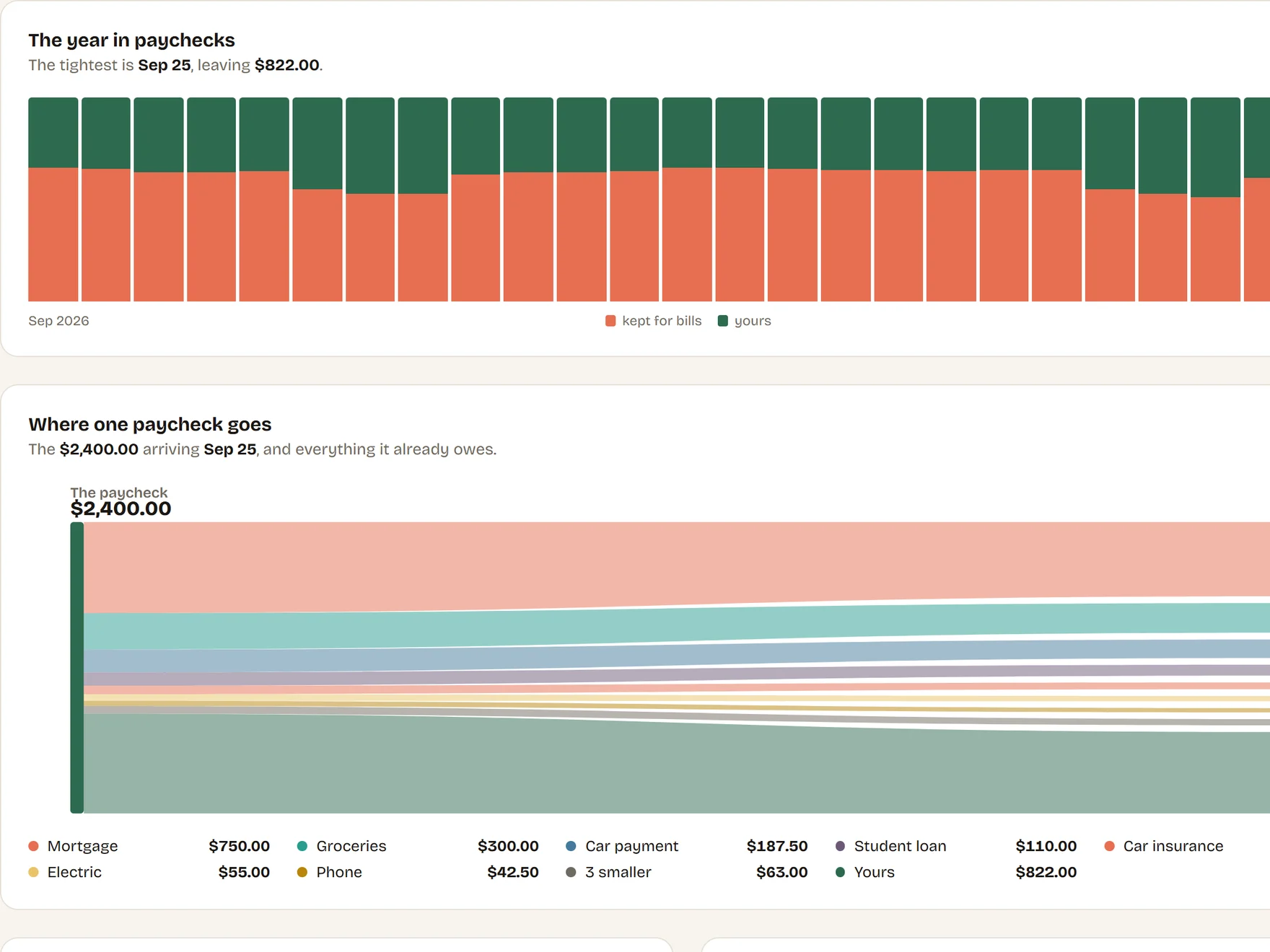 The year ahead, light
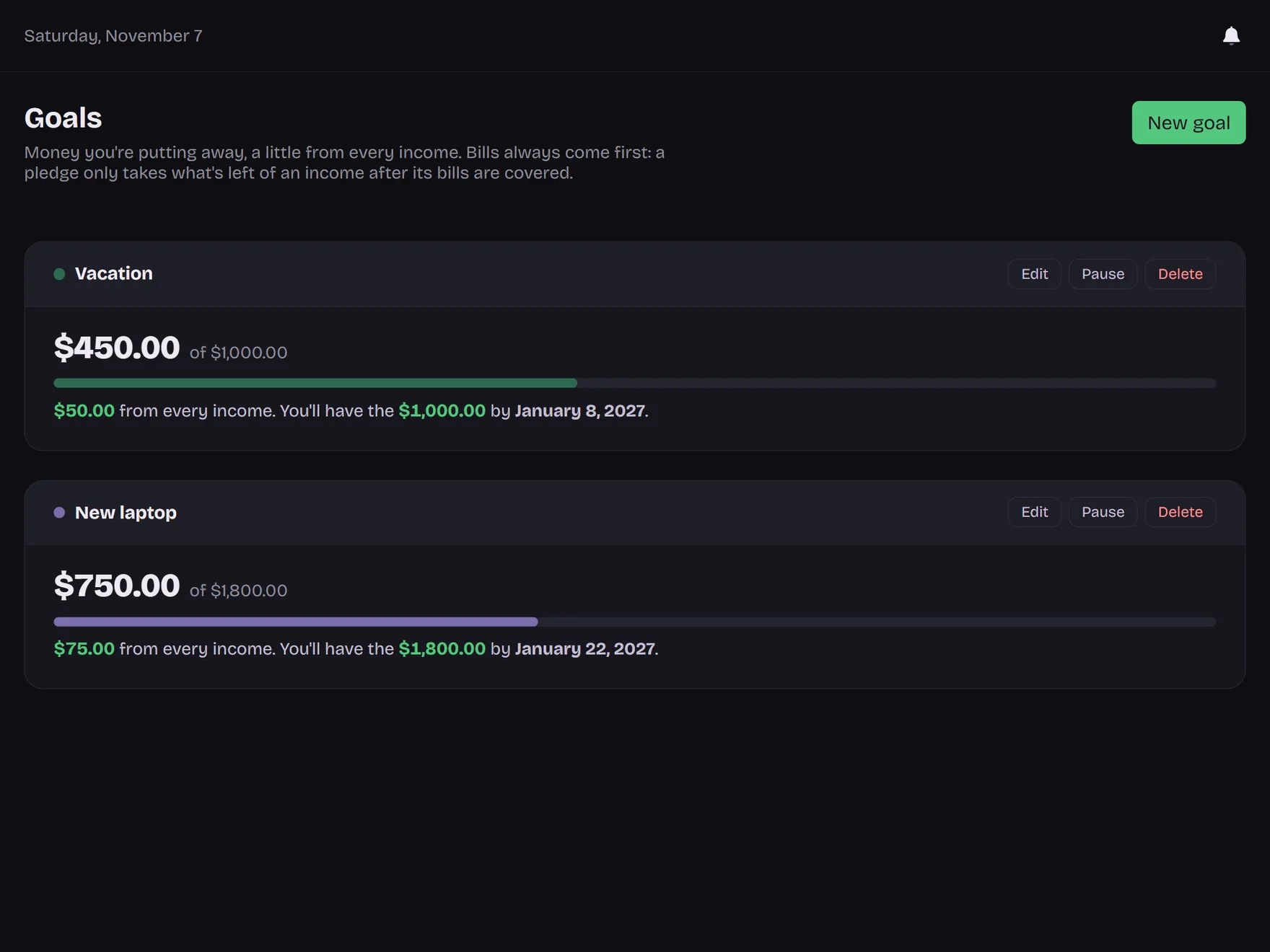 Goals, dark
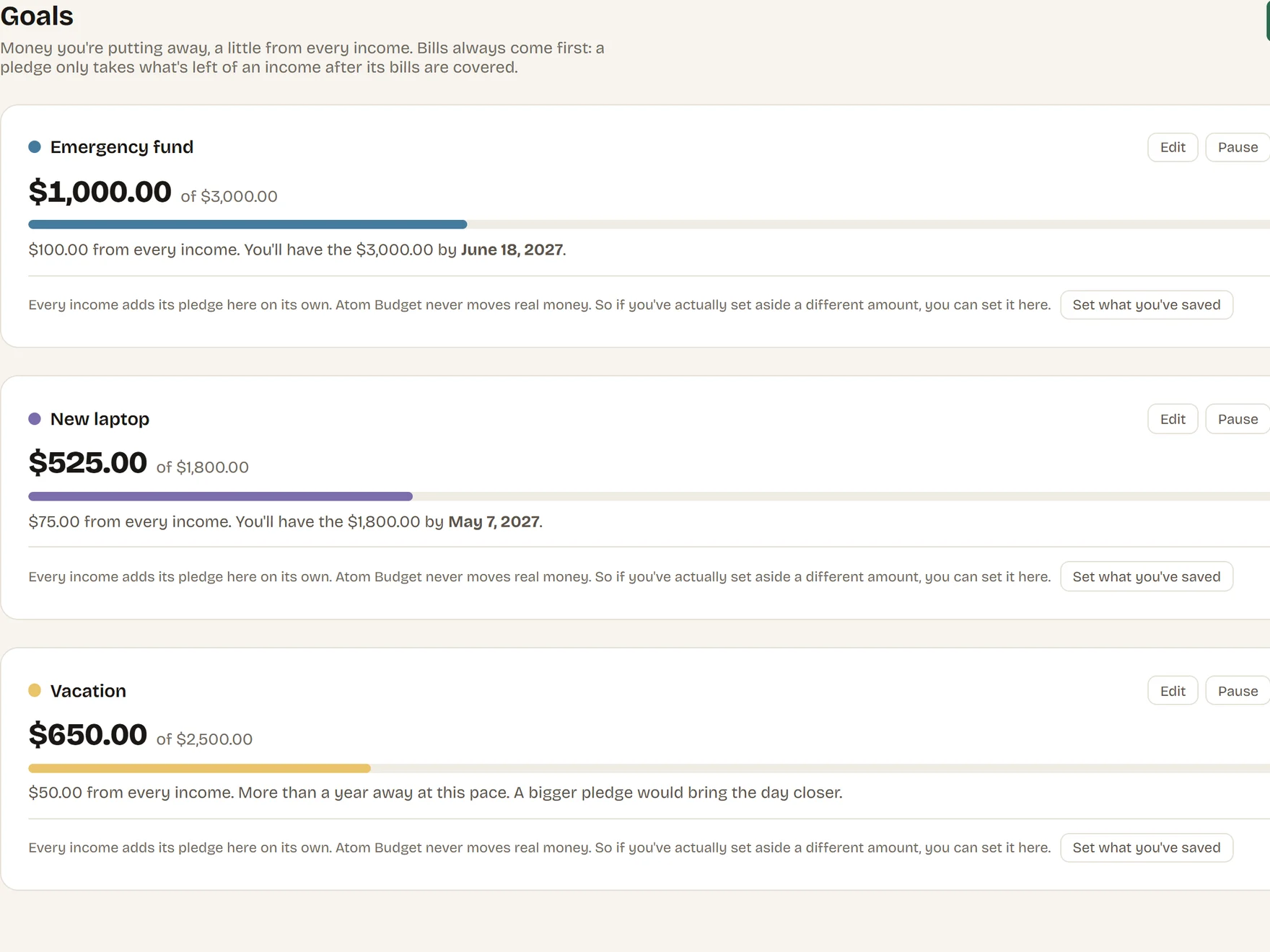 Goals, light
Contact
Questions, interview requests and anything the kit does not cover: [email protected]. Replies come from a person, usually the same day.